
QR Codes on Packaging: Choose the Destination Before the Placement
Give the code a useful destination and a readable fallback, then review the real generated symbol on the actual finished package. Keep the link and print record current.
A QR code on packaging should lead to something useful and current, with a short message explaining what the customer will find. Choose the destination before reserving space, then generate a real code for the approved URL and review it on the final surface. Test both decoding and the page reached. An empty placement box or a QR-like decorative pattern is not a working code.
“Scan me” gives the customer little reason to act. A specific promise, a maintained destination, and a reviewed physical result make a much clearer brief.
Choose a useful destination and fallback message
Pick one useful task: open a current care guide, find product setup help, or reach the correct reorder page. Confirm that the destination exists, belongs to the intended project, and works for its reader before putting it into artwork.
Write the promise beside the code
Use a short message such as “Open the care guide” when that accurately describes the approved page. Include a readable fallback route where appropriate, so the customer has another way to reach the information. Verify that route too.
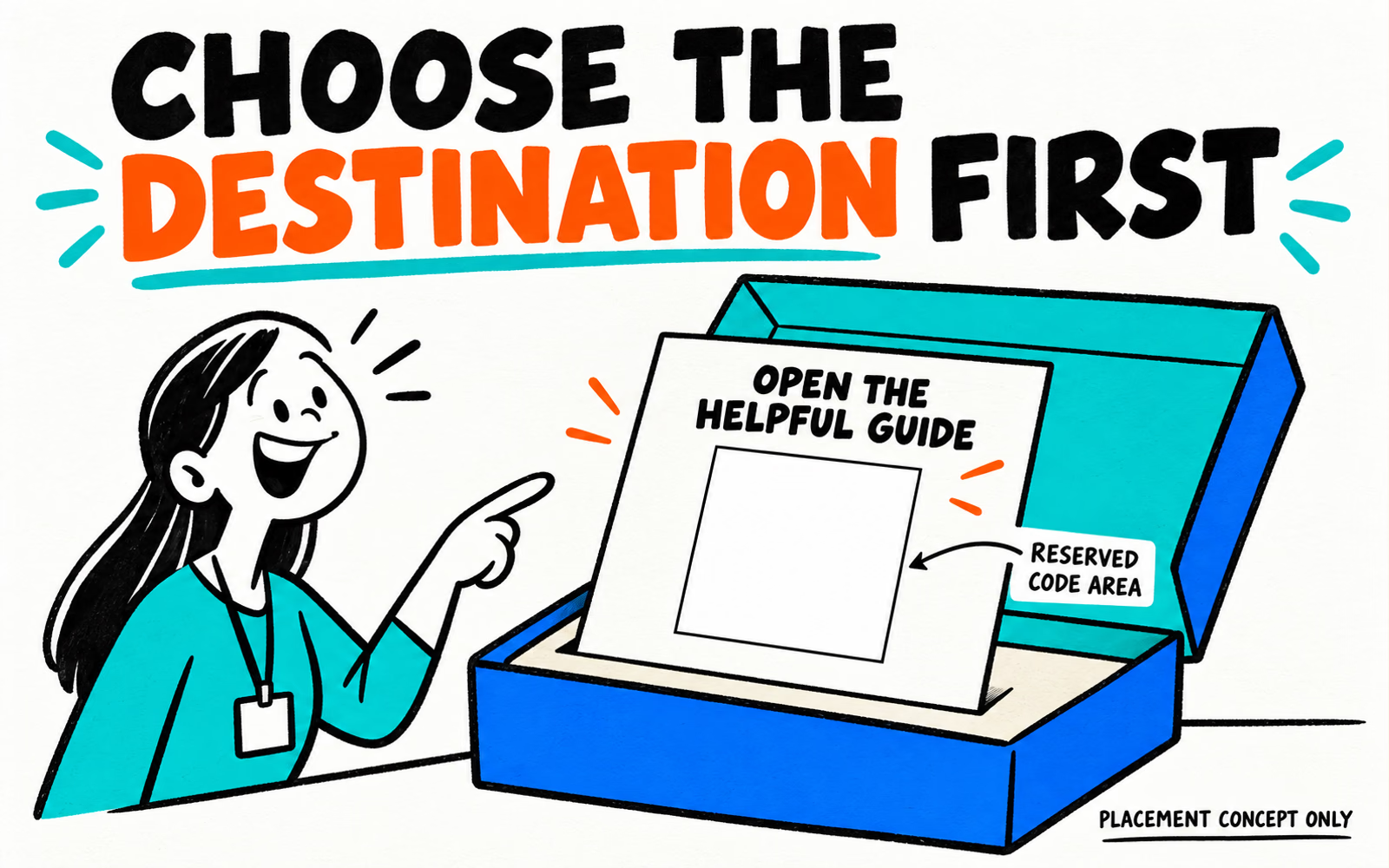
Our cover’s “Open the helpful guide” message is illustrative; its square is intentionally empty. It supplies no guide destination, promotion, analytics service, or QR asset. For your actual project, use wording tied to a real approved page.
Keep ownership of the destination clear. Record who maintains it and what happens when the product or content changes. Use insert planning ideas to decide which information needs the physical card and which benefits from a supporting page.
Place the code on a suitable readable surface
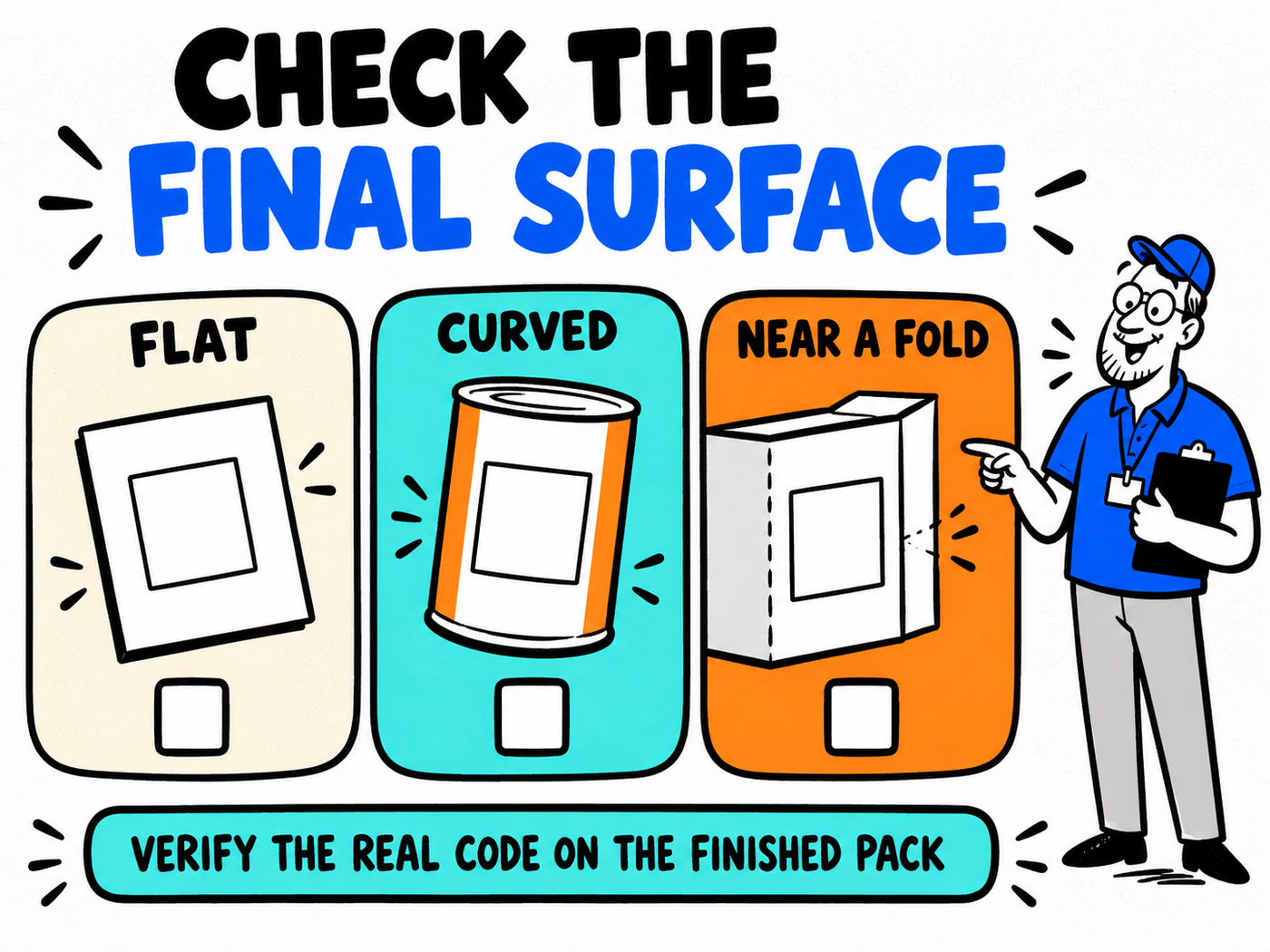
Identify where the customer sees the code and how the finished piece is held. Compare a flat card, a curved container, and an area near a fold using the actual construction rather than the same rectangle on a screen.
| Surface | Question for the actual piece |
|---|---|
| Flat card or panel | Is the code visible with its required clear area? |
| Curved surface | Does the finished application distort or hide the symbol? |
| Near a fold or seam | Will assembly, opening, or overlapping interrupt it? |
GS1’s retail 2D-barcode guidance discusses clear zones, contrast, surface reflections, curvature, and interference from packaging elements. These are useful review topics; that retail specification is not a universal layout approval for every marketing QR.
Keep the required clear area around the actual symbol free of competing graphics. Determine size and clear-space requirements using the real code and intended specification, not a fixed gap invented for this illustration.
Review the actual application area with the label-surface checklist. Compare labels, insert cards, and stickers according to the placement job.
Generate and test a real code with the intended URL
Give the chosen generator the exact approved URL. Keep the resulting code asset with its encoded destination and file version. A saved image called “QR” is not enough to establish what it contains.
Review the asset before placing it
- Confirm the intended URL directly in a browser.
- Generate the symbol using the agreed tool and output settings.
- Decode the resulting asset with a reader and compare the decoded destination.
- Open the destination and check that it reaches the intended current page.
- Record the asset, URL, and results before handing off the artwork.
Do not draw a pattern that merely resembles a code or use a screen capture as a substitute for an agreed artwork asset. Preserve the symbol and required clear area in the layout. Avoid treating a decorative redesign as already verified.
A normal website QR and a retail product-identification implementation have different briefs. If the project needs checkout or GS1 Digital Link use, coordinate that specification with the relevant teams; a marketing link alone does not establish retail compatibility.
Review the printed result on the final package
Check the real generated code at its proposed finished size on the actual printed and assembled piece. Include the substrate, finish, curvature, nearby graphics, and opening arrangement in the record.
Try representative reader devices and the conditions relevant to the customer’s use. Record the device, lighting, angle, piece reference, decoded destination, and page reached. A successful screen scan does not establish the finished pack’s result.
Keep the promise current
- Confirm the nearby message matches the page reached.
- Check the fallback route and its printed readability.
- Record issues with reflection, folds, placement, or reproduction.
- Review corrections on the actual revised piece.
- Assign responsibility for maintaining the destination.
Prepare the file with the artwork guide and check fallback text with the typography review. Use the reorder checklist to keep the asset, URL, and specification traceable. This article provides a review method, not completed scan-test results or guaranteed performance.