
Packaging Typography: Test Small Text at the Actual Printed Size
Choose a clear information hierarchy and review the proposed text at finished size. Record reading context, contrast, print detail, and any separate mandatory requirements.
Packaging typography size should be reviewed at the actual printed size, with the intended reader, material, contrast, and print process in mind. Improve the information hierarchy before making everything smaller. There is no single font-size recommendation here that applies to every package, technique, or mandatory label. Confirm any required text rules separately from the design exercise.
A layout that looks balanced when enlarged on screen can become difficult to read in someone’s hand. The useful question is whether the reader can find and understand the information in the finished context.
Define the reading distance and required information
Describe how the customer encounters the package: on a shelf, at a counter, in hand, or while opening an order. Identify which information needs immediate attention and which can be read more closely.
Write the content list first
Separate the name, product version, useful instructions, and any required information from optional promotional copy. Have the responsible product or brand owner confirm the current wording before arranging it.
For labels, record the application surface and available area with the surface checklist. A curved bottle and a flat carton offer different reading views even if their artwork starts as rectangles.
For insert cards, define one clear reading task. A thank-you note, setup instruction, and promotion do not necessarily belong at the same emphasis. Use insert planning ideas to assign the content a useful role.
Compare hierarchy before making text smaller
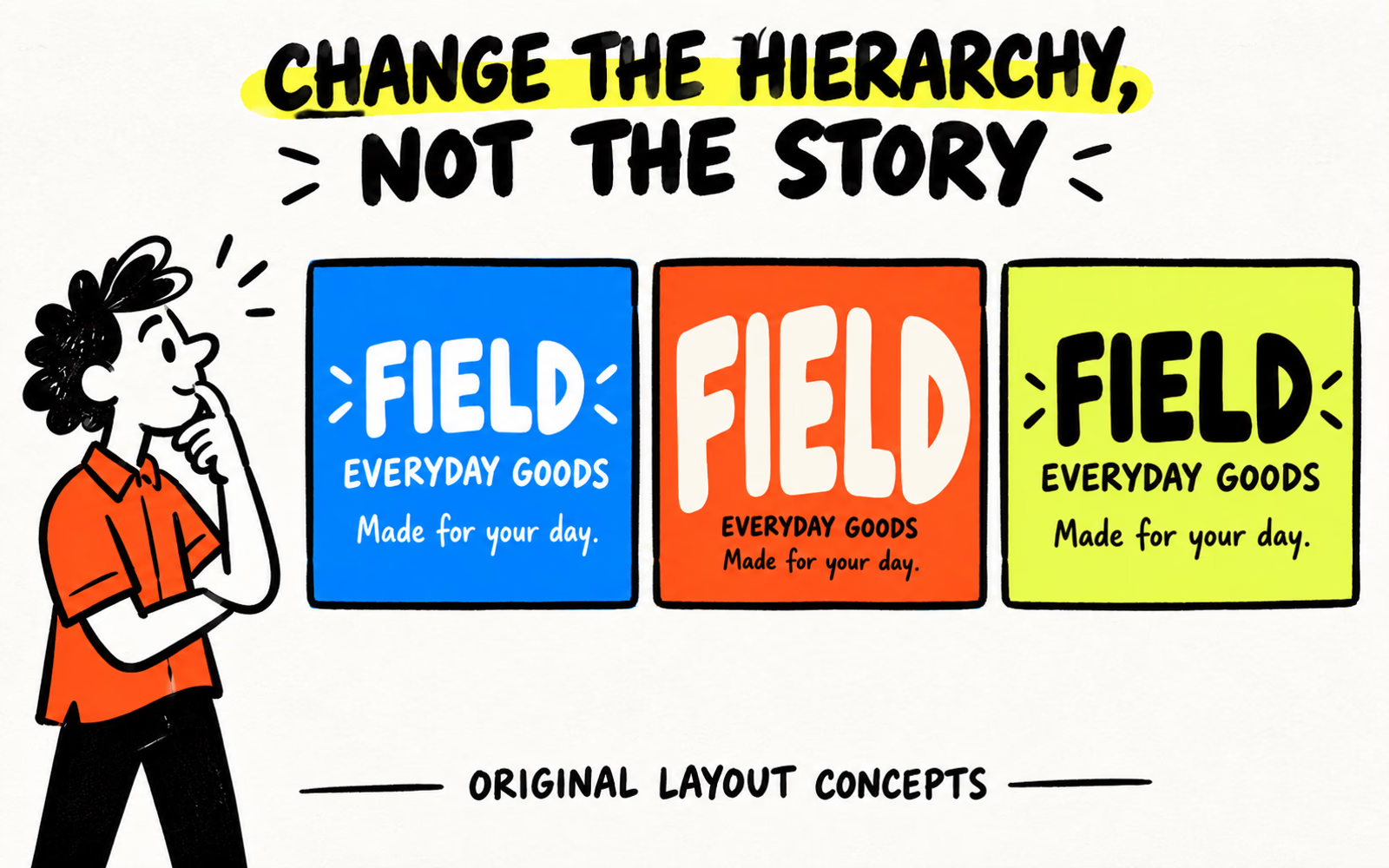
Arrange information in the order the reader needs it. Edit repetition, group related details, and give the most useful block a clear position. If the panel feels crowded, review the copy and available format before reducing every line.
| Block | Original text | Question to review |
|---|---|---|
| Identity | FIELD | Can the reader find the name first? |
| Category | EVERYDAY GOODS | Does the second level support the identity? |
| Short message | Made for your day. | Is it readable without competing with the name? |
The cover compares the same three blocks in equal-size conceptual labels: similar emphasis, exaggerated emphasis, and a more distinct reading order. Field is fictional, and the copy contains no required product information.
Use fewer competing signals
Compare alignment, spacing, line breaks, and type styles. Keep essential information distinguishable without making every element bold or adding several decorative fonts. Ask whether each added message earns its space.
For a short card exercise, see thank-you-card design. Keep any required copy in the actual project brief; it is not replaced by the simplified Field example.
Check print, contrast, and substrate at actual size
Confirm the export’s finished dimensions and review it at that size. If printing a layout copy, check that fit-to-page scaling has not changed it. A home printout helps review layout but does not establish the production material, finish, or print detail.
Use a blank observation record
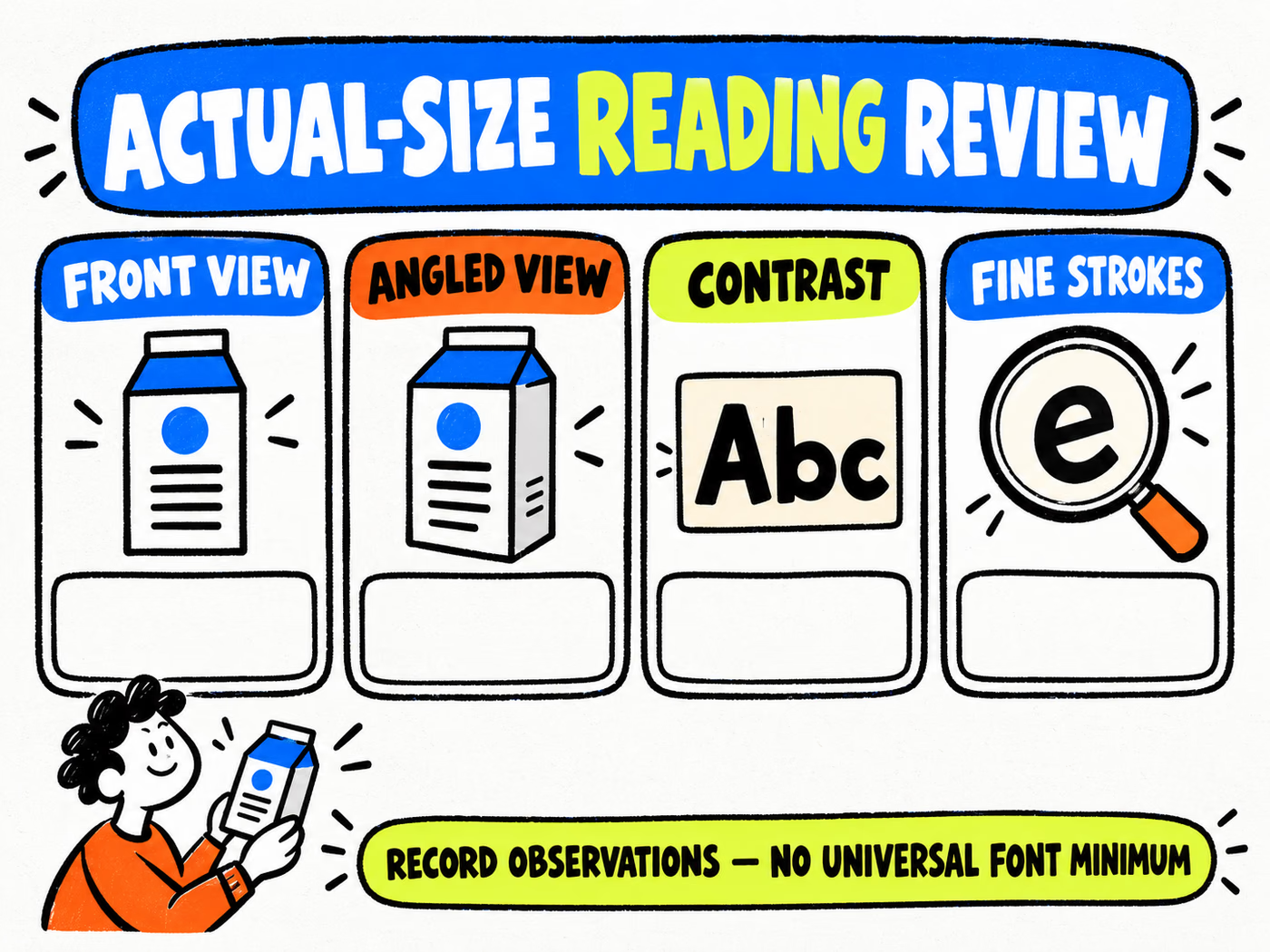
Record the file version, sample reference, material, finish, viewing context, and reader’s observations. Check a front view and relevant angled views. Note glare, difficult text, crowded lines, or fine strokes that do not reproduce as expected.
| Field | Observation to write |
|---|---|
| Front view | What is found first and what is hard to read |
| Angled view | Information obscured by curve, fold, or reflection |
| Contrast | Text/background relationship on the reviewed material |
| Fine strokes | Observed detail in the proposed print or sample |
Do not assign an unmeasured readability score or use the worksheet as a pass certificate. The infographic leaves its boxes blank because the result belongs to your actual review.
For surface and color questions, compare kraft and white concepts and the color workflow. Follow the confirmed content limits when correcting placement.
Confirm mandatory text requirements separately
Identify the product, market, and information that needs a separate requirements review. Ask the responsible team to confirm applicable wording, prominence, language, and size requirements from the appropriate current sources before approval.
This design article supplies no regulatory minimum and does not certify a label. Keep mandatory information in the review even when a decorative layout would look cleaner without it. An online destination is not automatically a substitute for text required on the physical piece.
Prepare the final typography brief
- List the approved wording and its information hierarchy.
- Identify finished dimensions, panel orientation, and print sides.
- Record the proposed font files or handling method requested by production.
- Keep actual-size observations and required corrections.
- Confirm required information separately and retain the approved version.
Use the artwork guide before preparing folding-carton artwork or labels. For reorders, check the current file and reference; a material or print change can warrant another reading review.