
Unboxing Video Setup for Small Businesses: Make the Packaging Sequence Clear
Plan a short sequence around the package your customer actually receives. Give each view a purpose, show the opening clearly and keep useful inserts readable.
A small-business unboxing video setup should show a real package opening in a clear, believable order. Use a stable phone or camera position, light that reveals the contents and a simple shot plan: closed package, opening, first view, product and useful insert. Film what the customer actually receives. The goal is to explain the packaging experience; a tidy video does not establish protection, customer satisfaction or future reach.
Before choosing props or a soundtrack, set one normal order on the table. The most useful starting point is the package itself: what has to be opened, what appears first and what the customer needs to do next.
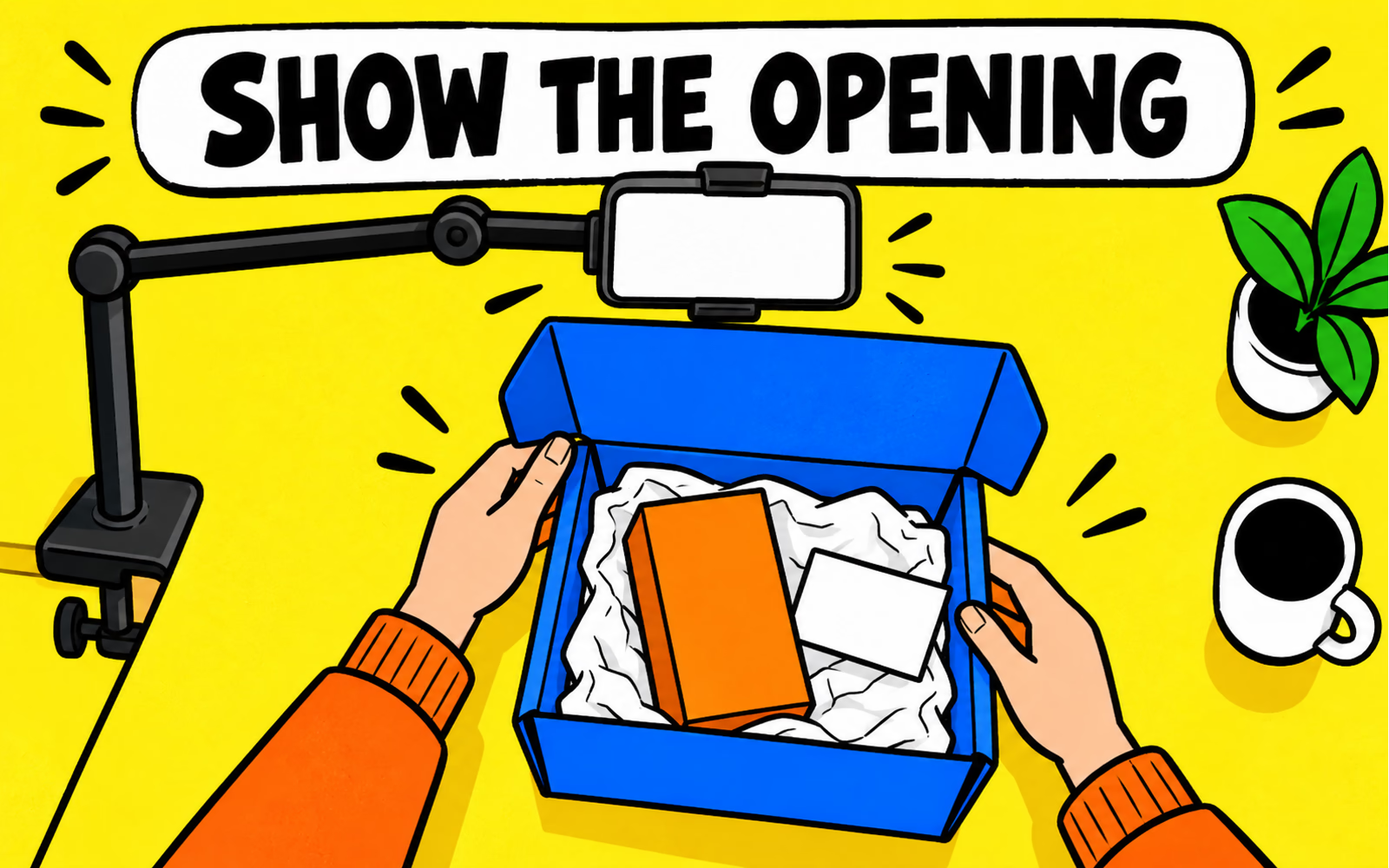
Define what the viewer needs to understand
Choose the purpose before recording. An opening demonstration can explain how a closure works, reveal the included items or help a buyer understand a gift arrangement. Those are different jobs. Write a short sentence describing what the viewer should understand after watching.
Use one representative packed order, with the approved product, protection and insert versions. If you are showing a sample or proposed arrangement, identify it as such. Keep styling props outside the package when they are not part of the order.
| Viewer question | What to show | Check before filming |
|---|---|---|
| What arrives? | Closed package and included items | Actual order configuration |
| How does it open? | Hands and the real closure | Normal opening method |
| What appears first? | Interior before rearranging | Normal packing sequence |
| What should I do next? | Useful card or product instruction | Current readable information |
Avoid writing the sequence around a reaction you have not received. A brand demonstration can be presented as your demonstration; it should not impersonate an independent review. The mockup and prototype guide helps describe the difference between a proposed concept and a real sample.
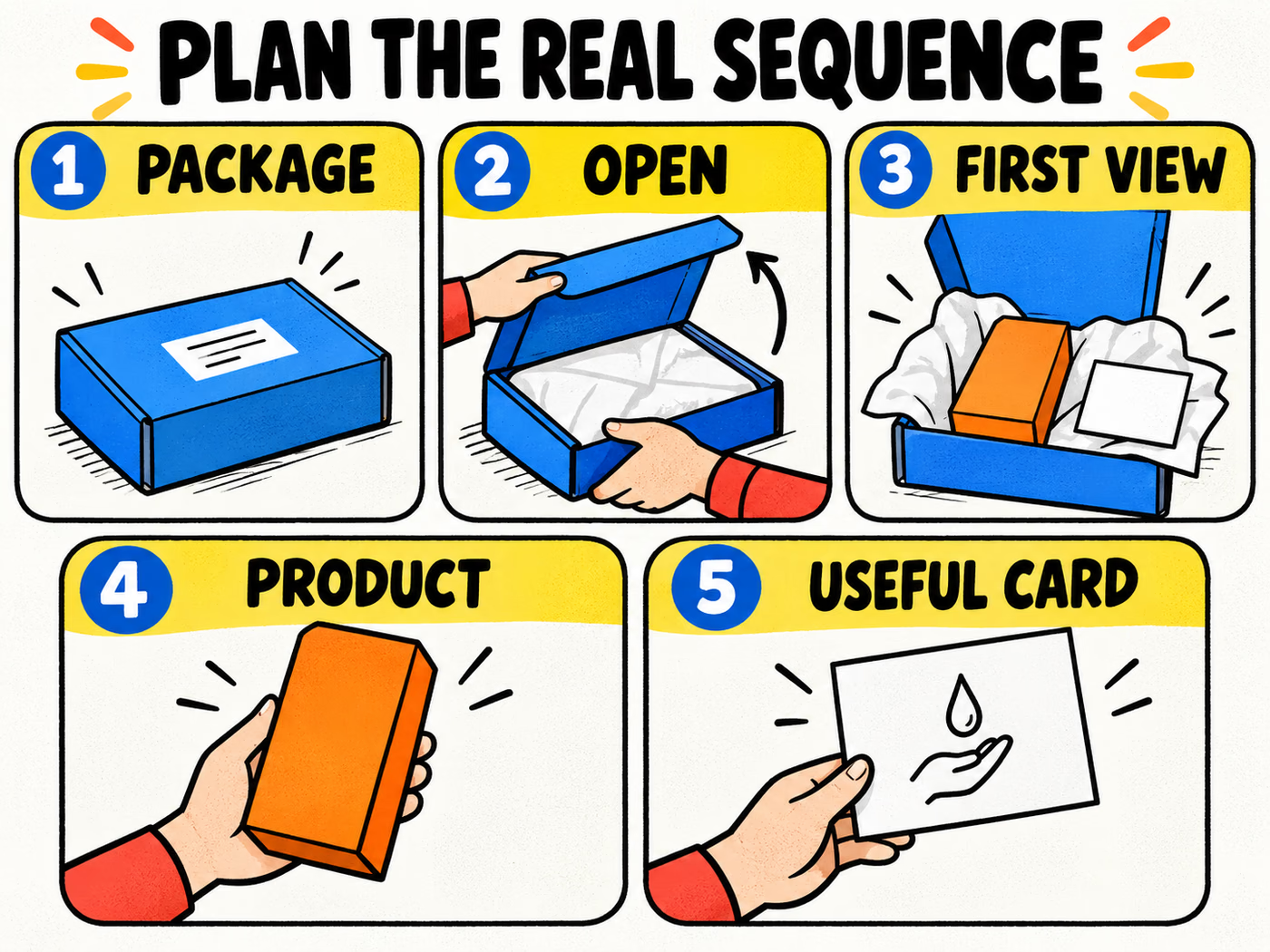
Plan the real opening sequence
Start with the closed package. Show enough of the exterior to establish its orientation, then record the actual opening. Let the first interior view reveal the arrangement before removing items. Show the product clearly and end with an insert only when it helps explain care, setup or another useful task.
A five-frame storyboard is a planning aid, not a rule about duration. Spend time where the action needs explanation. A complicated closure may need another detail view; a simple card does not need a long pause if its purpose is already clear.
Keep the order of events believable
Record which components are removed and where they go. If filming several takes, reset the package to the same starting arrangement. An edited sequence should not make an extra item appear included or hide a step the customer actually needs to perform.
For a candle gift order, for example, show the real protective arrangement, remove the product and then show the relevant care card. The example describes a shot plan, not a tested candle shipping specification. Let the insert guide help decide what information belongs on the card.
Choose camera positions for useful details
An overhead position can show hands and the interior together. An angled view may explain lid movement or the depth of the arrangement more clearly. Choose the position by looking at the action through the camera, rather than assuming one angle works for every package.
Use a stable support and leave room for the lid and hands to move within the frame. Check that the phone or camera does not cast a shadow across essential copy. Keep the surrounding area simple enough for the opening to remain easy to follow.
Check the small things in a trial recording
Make a short trial and watch it on a phone. Check whether fingers cover the closure, whether tissue hides the product and whether important text is readable. If a detail is too small, record a separate close view instead of asking the viewer to infer it from a wide shot.
Listen to any explanation in the trial. If handling noise obscures it, adjust the recording or add a clear, accurate explanation afterward. Retain the original recordings. The photography guide covers consistent light and useful views that also help when planning video.
Review the video against the actual customer experience
Compare the edited sequence with the packed order. Are the same items present? Does the opening follow the normal method? Is any component shown separately that arrives attached or hidden? Check the final video rather than approving from the storyboard alone.
Keep captions accurate. Name a sample, prototype or illustrated concept when that is what you show. Do not add invented customer praise, fabricated performance results or a promise that the video will become popular. A clear demonstration can be valuable without those claims.
Keep a reusable recording brief
Save the order configuration, artwork version, shot list and selected footage together. Note any change in the actual packing process that would make the video outdated. This makes the next recording easier and keeps promotional material connected to the product being sold.
Explore mailer boxes, tissue paper and insert cards with the intended packing arrangement. Use the measurement guide for dimensions and the artwork guide for print preparation. Review physical construction separately from the video.