
Packaging Color Consistency: Coordinate Boxes, Bags, and Labels Realistically
Build a coordinated packaging family with component-specific references. Review the actual surfaces and processes before approving color across the set.
Packaging color consistency means coordinating a recognizable visual family across the actual materials and print processes in your order. Sharing one RGB, CMYK, or named-color reference does not by itself establish identical appearance on a box, bag, and label. Define the intended relationship, review suitable references under agreed conditions, and keep a separate approval record for each component.
A collection can feel like one brand without every surface being visually interchangeable. The practical work is deciding which differences are acceptable before the order is approved.
List the substrates and print processes in the collection
Make a component list before sending a single swatch with “match everywhere.” For each piece, identify the proposed material, surface color, print process, finish, and artwork version. Mark information still awaiting confirmation instead of filling it with a guess.
| Component | Record | Question to confirm |
|---|---|---|
| Mailer box | Board, outside surface, print sides, finish | Which process and reference apply? |
| Paper bag | Paper color, handle format, visible panels | How will the artwork be reproduced? |
| Label | Face material, application surface, finish | What does the proposed proof represent? |
Review mailer boxes, paper bags, and labels as related components with separate specifications. A white label and a tan bag should not silently inherit the same assumptions.
Use the coffee-bag design guide for an example of organizing a product family. Its design planning does not establish a measured color match.
Define a realistic visual target
Describe what must remain recognizable: the brand mark, layout, dominant color relationship, or the distinction between product variants. Identify the most important visible surfaces and which pieces customers see together.
Choose a reference with a purpose
Ask production how the target should be specified and reviewed for each process. Keep any agreed physical reference identifiable. Do not invent a universal profile, tolerance, or conversion formula because the same code appears in every design file.
Adobe’s color-consistency documentation recommends coordinating color management with production partners and choosing output profiles that describe the actual printing conditions. A managed digital workflow is part of the discussion; it does not turn different packaging surfaces into identical objects.
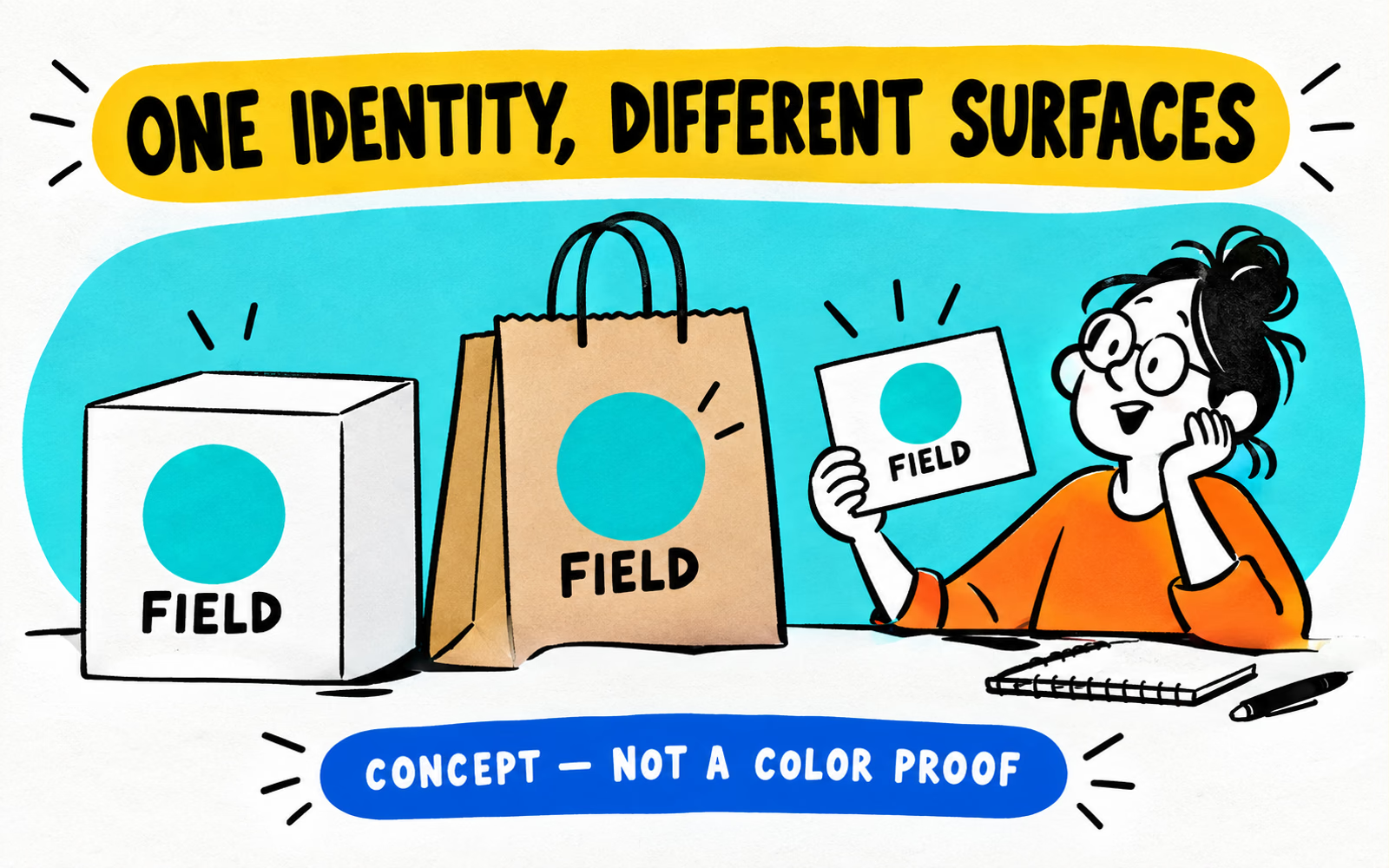
Our fictional Field collection repeats a circle and a clear layout across three pieces. The illustration demonstrates a design relationship, not measured ink behavior. Compare kraft and white planning concepts before deciding where color is most critical.
Review samples under consistent conditions
Agree on which proofs or samples are suitable and what they can establish. Identify the artwork version, substrate, process, finish, and reference for each one. Keep generic surface samples separate from proofs of your actual artwork.
Compare the set as customers encounter it
Review the components together under the agreed viewing conditions. Note the light source, viewing arrangement, and relevant reflections or angles. A phone photograph is useful for recording a concern, but should not automatically become the color approval standard.
Write observations in ordinary language: “The bag appears darker than the selected reference in this review,” followed by the piece and conditions. Ask the production team which adjustment or further evidence is appropriate; avoid guessing the correction from a screenshot.
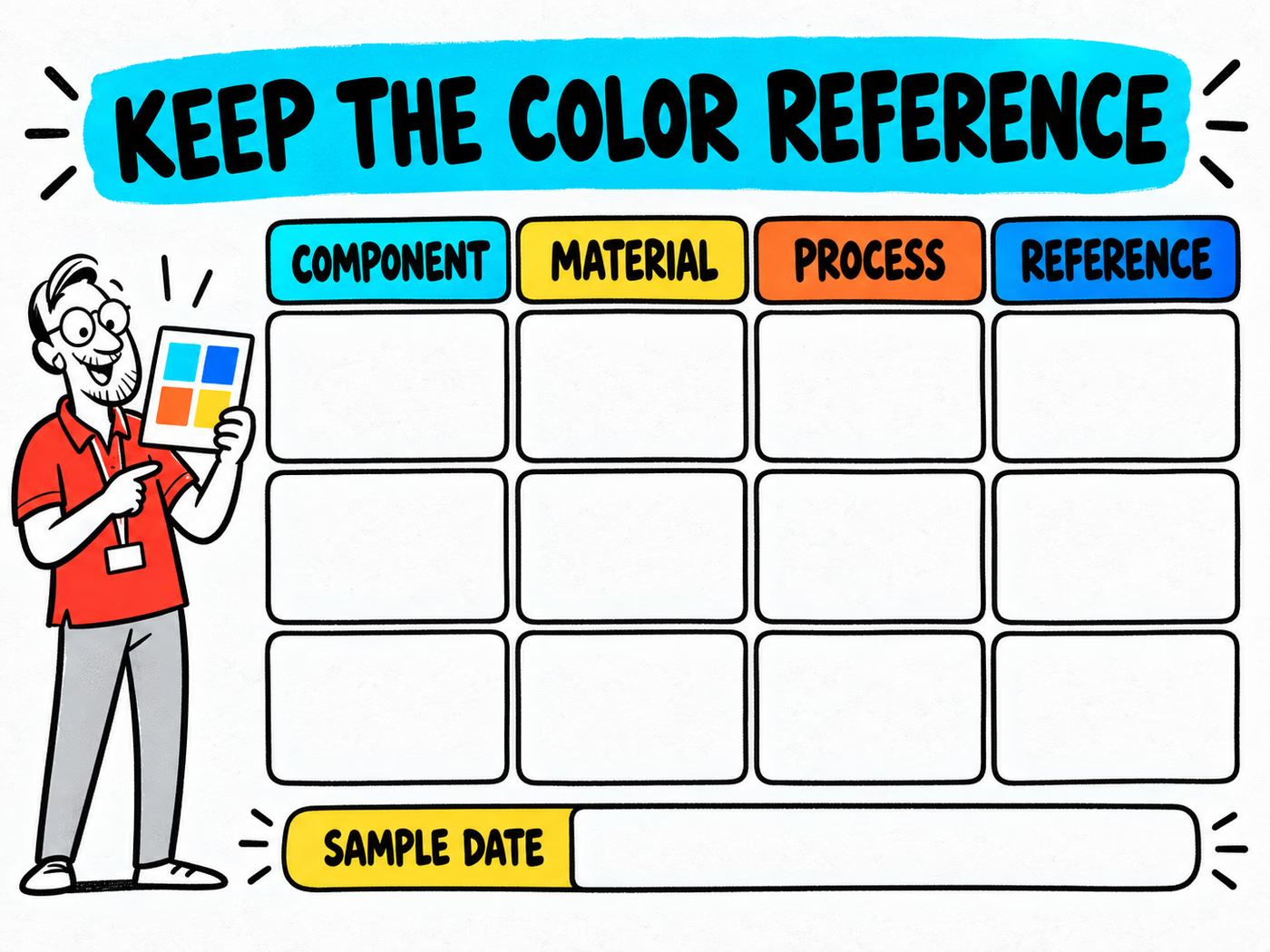
The blank worksheet links each component to its material, process, and approved reference. Record the sample date and reviewer alongside it. Its empty fields intentionally contain no tolerance, profile, pass score, or invented result.
Use CMYK vs. RGB planning for file-workflow questions and mockup vs. prototype for the limits of each review.
Record approved references for future orders
Keep the approval tied to each component. Save its specification, final artwork, reviewed reference, approval date, and any accepted differences. Give the collection a version so a changed label does not get confused with an older bag order.
- Name the approved component and artwork file.
- Identify the material, process, and finish.
- Describe the proof or sample and its review scope.
- Record the agreed reference and conditions.
- List changes that require another review.
Use the reorder artwork checklist when any element changes. Tell the production team about a new substrate, finish, supplier process, or design rather than assuming the previous approval covers it.
Prepare the confirmed files with the artwork guide. A clear reference record makes the next conversation more precise; it is not a guarantee that every future component will look identical. Request project-specific proof and approval arrangements in the quote.