Treat each menu label as a controlled version. Keep stable branding separate from changing dish information, and link quantities to the exact artwork staff will apply.
Meal-prep labels need a clear distinction between fixed brand artwork and changing dish or batch information. Define those fields, map them to the actual container, and review the proposed label under your application and storage conditions. Keep food-label content approval separate from graphic design and print approval.
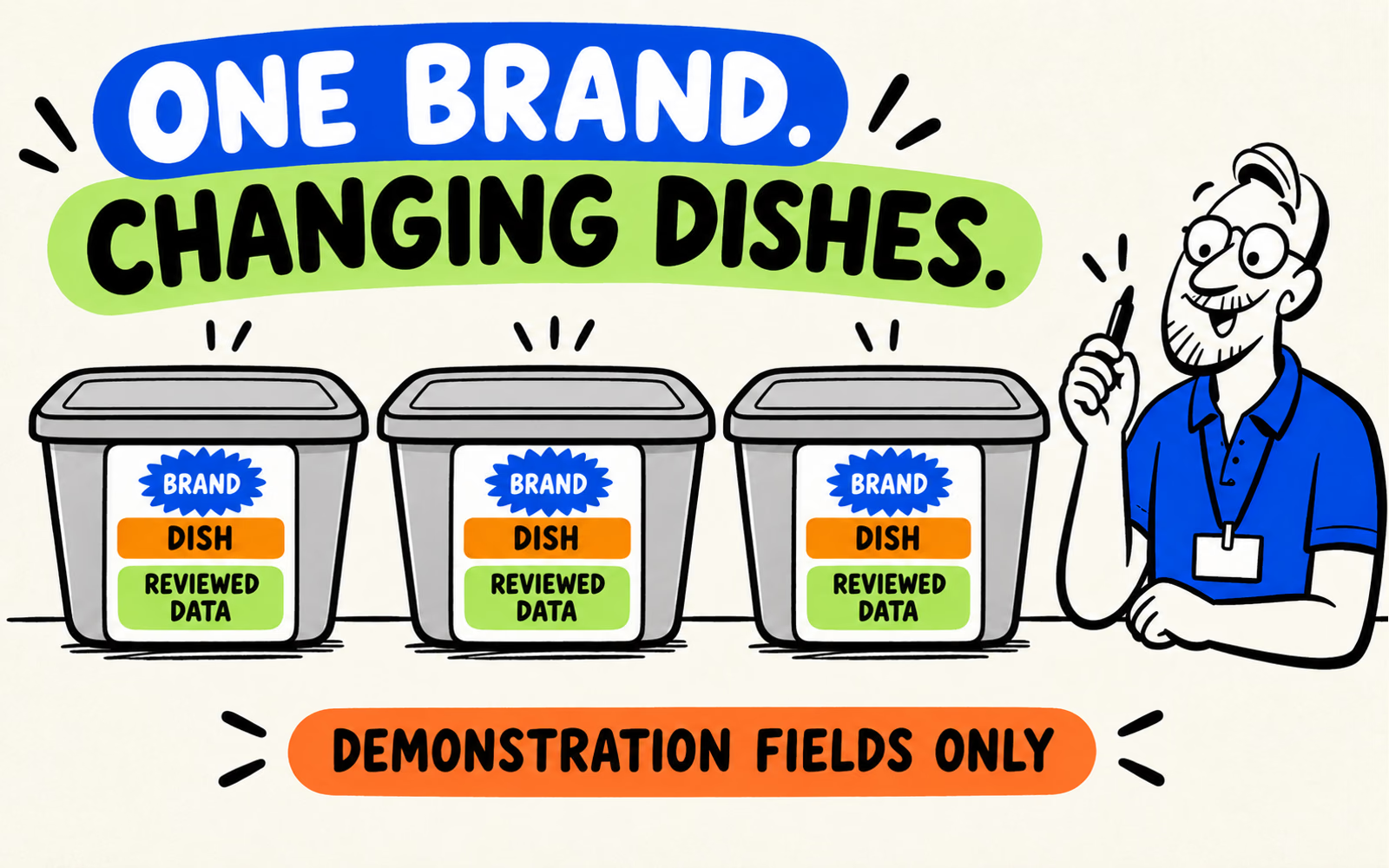
One reusable identity can connect a changing menu. The label system still needs a reliable way to select the right information for the right dish. This section expands the version-control workflow below.
List fixed and variable label information
Write a field list before designing the label. Identify what stays consistent across the menu, what changes by dish, and what changes for a particular production run. Assign an owner to approve each kind of information.
| Group | Possible role | Approval question |
|---|---|---|
| Fixed brand | Name, original symbol, shared layout | Which approved identity file is reused? |
| Dish-specific information | Accurate name and product-specific content | Who checks it against the actual dish? |
| Run-specific information | Any applicable changing production details | How is current information produced and checked? |
| Required label content | Information determined for the actual product and sale | Who completes the applicable labeling review? |
Keep demonstration fields visibly incomplete
The illustrations use generic “Dish” and “Reviewed Data” fields. They contain no usable ingredient list, allergen declaration, nutrition panel, or date instruction. Replace demonstration fields only with approved information for the real product.
For U.S. labeling review, consult FDA’s food labeling resources and determine the authorities and requirements applicable to your product and sales channel. FDA notes that parts of its older Food Labeling Guide concerning allergens and nutrition are under revision; use its current linked resources for those topics.
Plan the label around the actual container
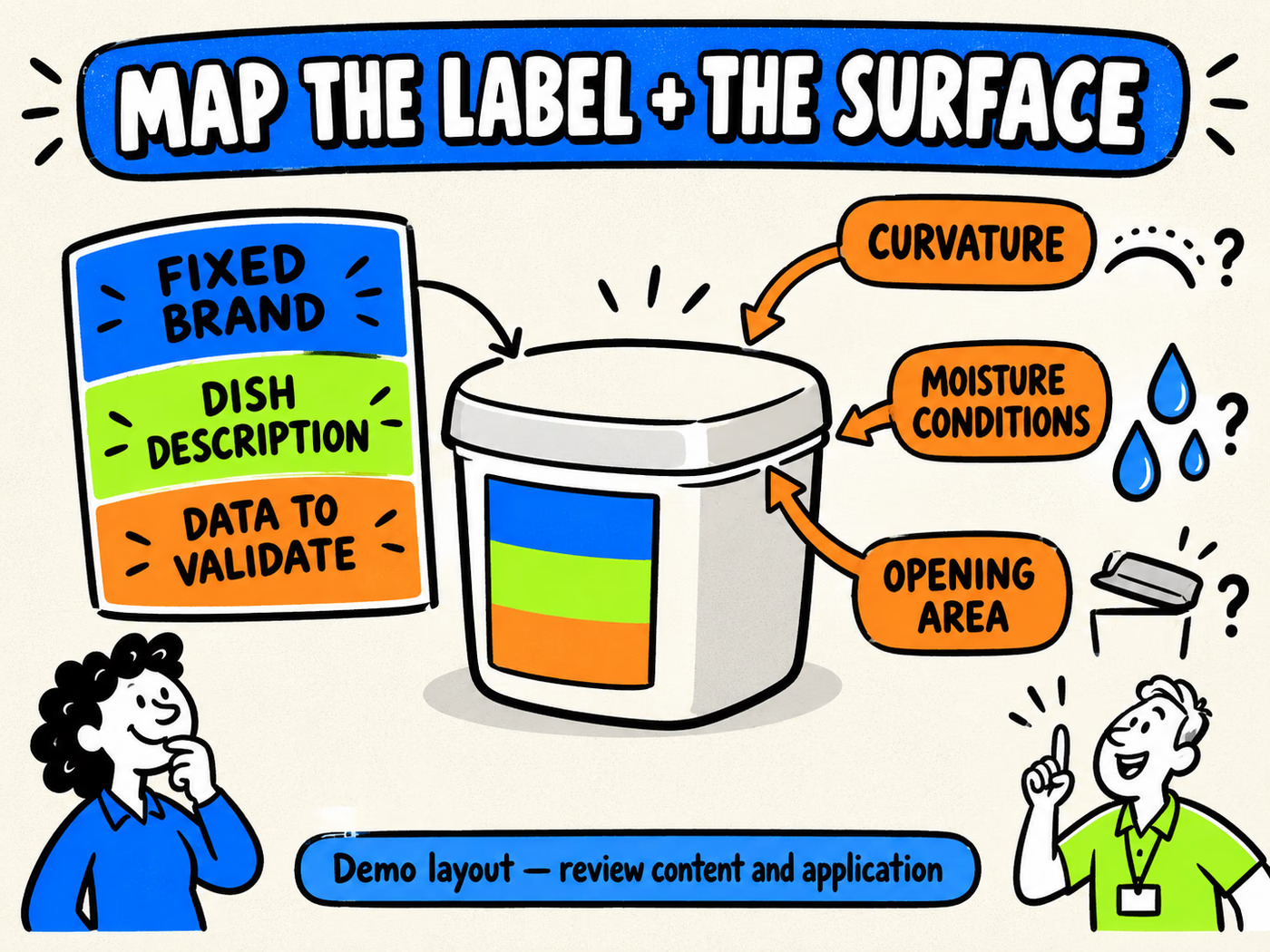
Record the exact container, application surface, usable area, curves, ribs, and opening features. A label dimension that fits a flat drawing may behave differently on the assembled pack.
Make room for both kinds of information
Compare a single approved layout with a defined variable-information area against a shared brand label plus a separate changing label. Review how each is produced and applied. Do not let an added label obscure information or unintentionally bridge the opening.
Check the main identifier and smaller text at actual printed size. Leave enough space for the longest approved dish description. A decorative pattern should not compete with the fields staff and customers need to read.
The sleeve-versus-label guide compares related workflows. Here the focus is the label layout, its variable fields, and its relationship to the container.
Check application and storage conditions
Describe when the label is applied and the condition of the actual container surface. Record the intended handling and storage sequence so the supplier can review the proposed face material, adhesive, and print.
Evaluate a representative sample
Check attachment, lifting, legibility, and interference with the opening under your specified conditions. Identify the sample reference and observations. A stock image with droplets is not evidence of adhesion on a damp surface.
Do not assume refrigeration, freezing, moisture exposure, or reheating suitability from the word “label.” Confirm those intended uses for the particular reference. The meal-prep label test plan develops that evaluation, while the surface checklist helps describe the application.
Prepare artwork versions and a labeling review
Connect each dish to an approved content version, artwork file, container reference, and quantity. Keep superseded files and physical labels out of the active selection process. Record who approves content and who approves the print proof.
Approve the version, not just the appearance
- Dish and applicable product information checked by the responsible owner.
- Exact artwork and container references recorded.
- Application and intended storage conditions described.
- Quantities listed per version and menu period.
- Final-size readability and placement reviewed on the complete pack.
Evaluate custom labels and any outer carrying bags as separate components. A pack total does not establish every label-design quantity or the minimum for a print run.
The meal-prep business plan retains the complete packaging context. The original register and packing-station workflow below remain part of this guide, including responsibility assignments and leftover-stock review.
One identity.
Clearly controlled versions.
Planning packaging for your food business? Tell us what you are packing, its finished dimensions, intended contact and handling conditions, quantities, and delivery ZIP.
Planning references
- BrandYourPack: Testing Labels for Meal Prep Containers.
- Label Surface and Application Checklist.
- FDA: Food Labeling Resources.
- FDA: Food Labeling Guide and current-update notices.
Reviewed October 6, 2026. This is a label-design and version-control workflow, not a determination of required content or proof of adhesion performance.
Build a version register before sending artwork
| Field | Example role |
|---|---|
| Dish identifier | Distinguishes one menu item from another |
| Artwork version | Identifies the approved print file |
| Container reference | Defines fit and application area |
| Information owner | Approves dish-specific content |
| Quantity and menu period | Connects each run to intended use |
| Proof approval | Records who approved which version |
These are workflow fields, not a determination of required food-label content. Your business must provide and approve the applicable information.
Decide which layer stays unchanged
Separate shared brand graphics from recipe-specific or batch-specific information. Record how the variable layer will be produced and applied. A static printed design cannot be assumed to contain changing information without an approved additional process.
Keep the completed pack readable and check that a second label does not hide needed information or interfere with the closure.
Check printed versions at the packing station
- Match the dish identifier, container and approved artwork.
- Keep superseded versions out of the active selection.
- Use a sample pack to show intended placement.
- Record who checks version selection before handoff.
- Keep reorders tied to the approved file, not only the product name.
Use actual staff observations to improve the process; this guide does not claim a measured reduction in packing errors.
Quote separate runs without hiding leftover stock
List each design quantity and any shared brand piece separately. Ask whether setup and minimums apply per version. Compare purchase rounding and unused stock alongside unit prices. Review sleeves vs labels for alternative workflows and the quote checklist for scope.
BrandYourPack planning worksheet. Sample checks described here are steps for your project, not published test results. Confirm material, dimensions, print, quantities and intended use for the proposed reference before approval.
Questions about this decision
Can I reuse one logo design for multiple dishes?
A shared brand element can be reused as a workflow choice. Each dish-specific information layer still needs its own approval and correct selection.
Does total quantity determine every design run?
No. Record quantity per version and confirm whether minimums or setup apply separately.
Who approves the meal information?
The food business supplies and approves its applicable information. Printing approval should identify the exact approved artwork version.