
Packaging Photography Tips: Show Shape, Finish, and Useful Details
Plan a small set of views that answers real customer questions. Photograph the actual sample consistently and describe precisely what each image represents.
Useful packaging photography tips begin with the details the buyer needs to understand: shape, opening, finish and closure. Plan a small set of distinct views, photograph the actual sample with consistent light and background, and label each image accurately. Keep promotional photos separate from measurement or approval evidence. An illustration or digital concept can explain an idea, but it should not be presented as a manufactured sample.
Four purposeful photographs often explain more than a dozen almost identical angles. Before setting up the camera, decide what each image needs to reveal about the packaging in front of you.
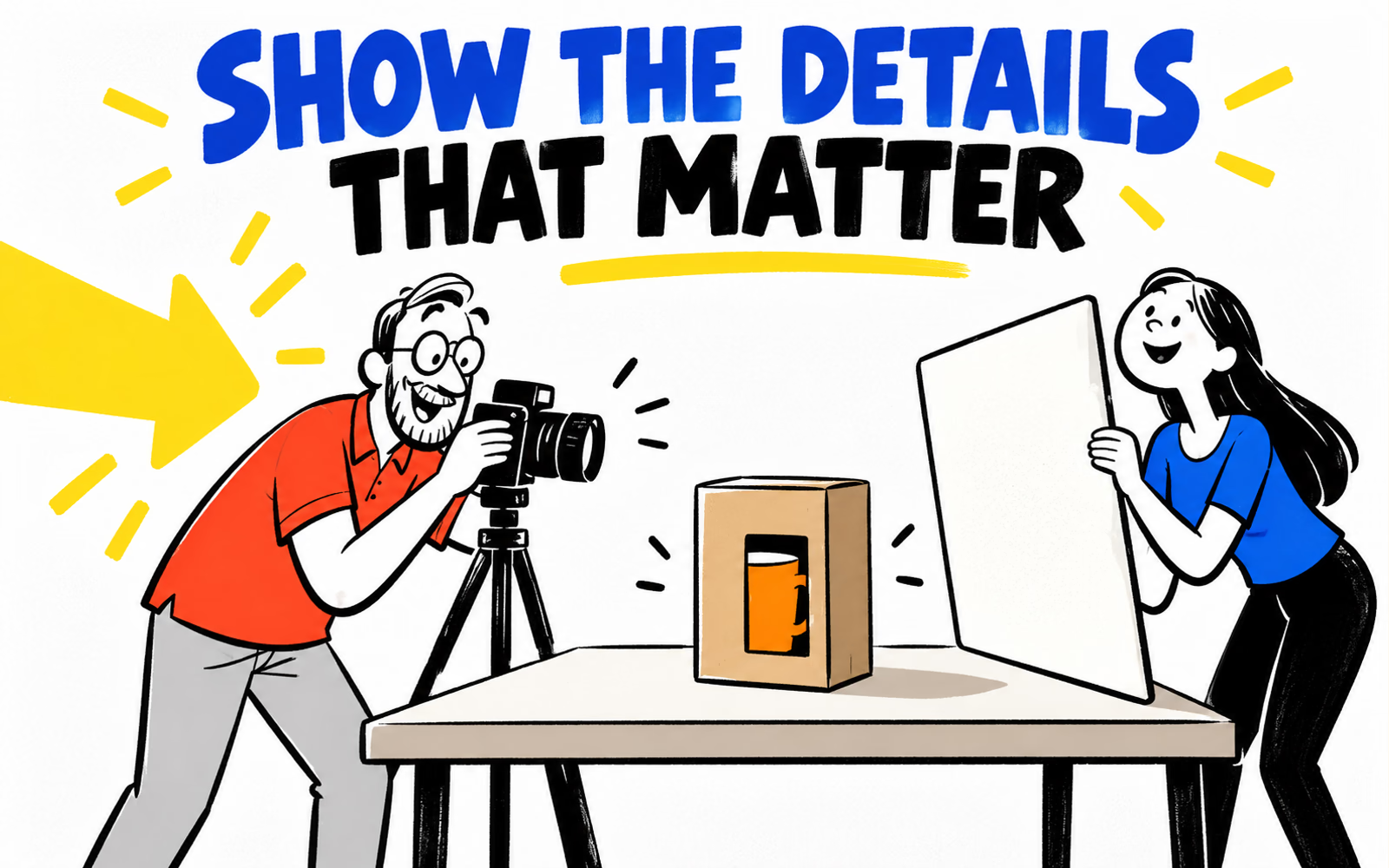
Choose the packaging details the photo must explain
List the questions a viewer is likely to ask. What shape is the assembled pack? How does it open? Where does the message sit? What does the closure look like? Turn those questions into a shot list before adding props or styling.
Identify the real sample and what it represents. A blank structural sample, a printed prototype and a manufactured pack can answer different questions. Keep the construction, artwork version and any unfinished details in your internal record so the caption is easy to write accurately.
| Question | Useful subject | Keep separate |
|---|---|---|
| What is the shape? | Complete assembled pack | Technical dimensions |
| How does it open? | Actual opening and interior | Claims about protective performance |
| What is the finish? | Surface under stated light | Color or finish certification |
| How is it closed? | Actual closure detail | An unperformed functional test |
The mockup-versus-prototype guide helps name the evidence correctly. If the image is intended for a technical review, ask the receiving team which views and references they need rather than assuming a styled product photo is sufficient.
Plan a small set of distinct views
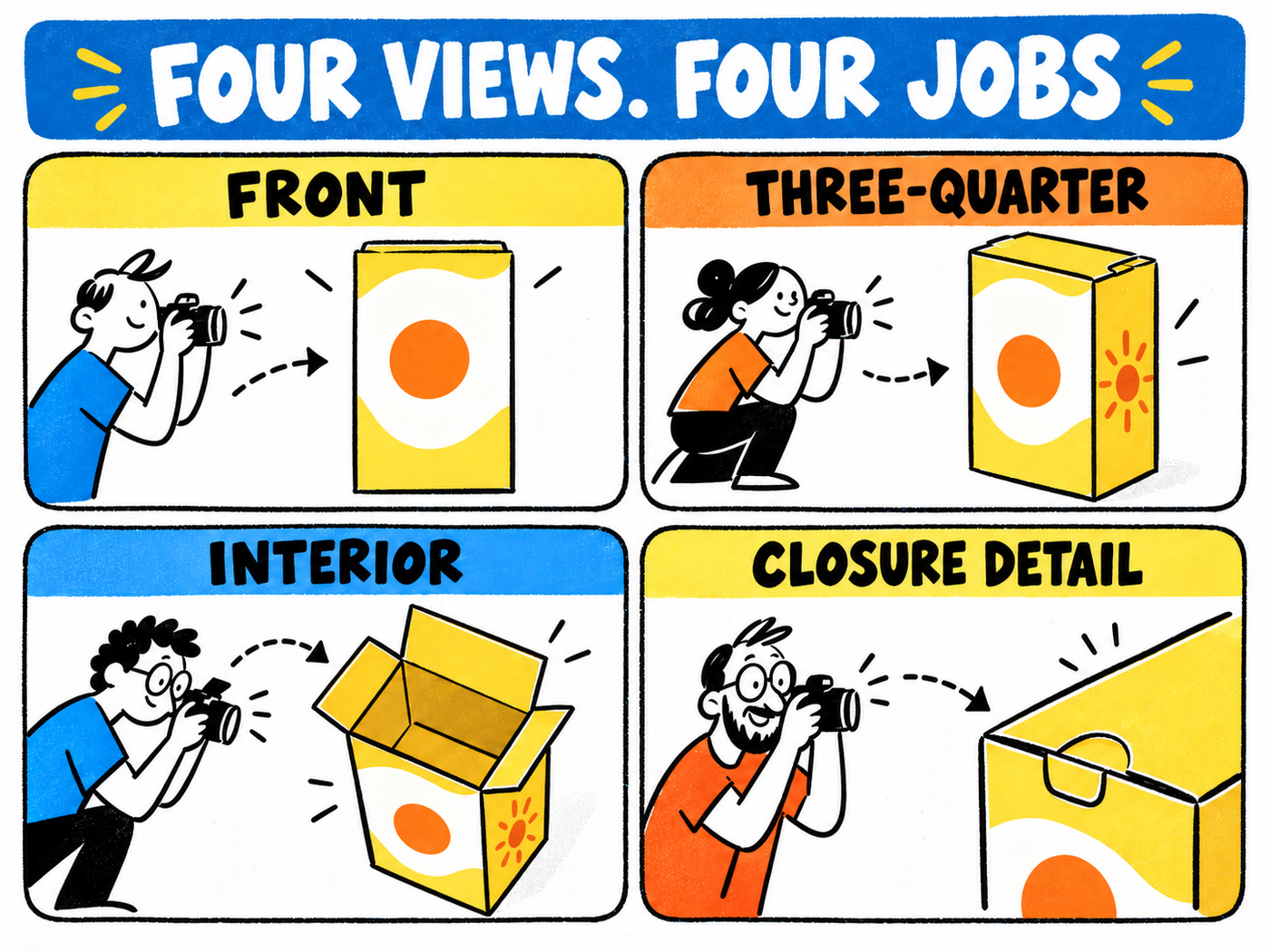
Begin with a front view that makes the principal panel readable. Add a three-quarter view to show how the faces meet and how the pack occupies space. An interior view explains the opening and arrangement; a closure detail shows something that would be too small in the full-pack image.
Keep the same sample throughout the sequence unless a change is clearly identified. If the interior arrangement differs between shots, note the difference. A tidy sequence should not create the impression that accessories or support components are included when they are only styling props.
Make the detail photograph do a different job
Move closer to the actual closure or a relevant print detail, rather than taking another slightly angled full-pack image. Keep enough context to show where that detail belongs. If a tab is open for the shot, label the view accordingly instead of making it look like the normal closed state.
The four illustrated panels below are a shot plan, not photographs from a completed session. Use them as prompts for your own samples. For measurement questions, retain the actual units and dimensions described in the measurement guide; perspective in a picture is not a dependable ruler.
Control light, scale, and background consistently
Choose a stable setup and record it so related images can be made again. A side window and a simple reflector are one possible arrangement; their usefulness depends on the room and the surface. Keep the background uncluttered enough for edges and openings to remain visible.
Observe the package while changing its angle or the light position. Watch whether a reflection hides text or a dark shadow obscures the closure. If comparing finishes, retain a common baseline before adding any extra detail view intended to reveal a particular surface feature.
Keep edits connected to the real object
Retain original files and make corrections carefully. Avoid editing away features that a buyer needs to judge, such as a real fold, closure or finish characteristic. An image that makes two materials look identical can undermine a useful comparison even when it looks polished.
Keep camera position and framing comparable for equivalent packs. Where a technical reference is requested, use the agreed reference and capture method; decorative props do not establish verified scale. The finish review and color guide explain why a picture does not settle every physical appearance question.
Label concepts and real samples accurately
Describe what was actually photographed. If the picture shows a blank sample or a proposed prototype, say so. Identify styling props separately where their inclusion could be misunderstood. Do not caption a synthetic scene as client work, a production run or a tested sample.
Keep illustrations useful by naming their role: a layout concept, an opening diagram or a shot plan. They can explain the decisions around photography without impersonating evidence of a completed session. All images in this article are original illustrations.
Retain a reusable image record
Record the sample reference, artwork version, shot date and purpose beside the selected files. Write descriptive alt text about the view itself rather than filling it with repeated keywords. Retain the original capture separately from cropped promotional derivatives.
Explore mailer boxes, product boxes and labels with actual specifications. Follow the artwork guide for print preparation; photographs can support discussion, while the approved files and stated sample review supply their own distinct information.