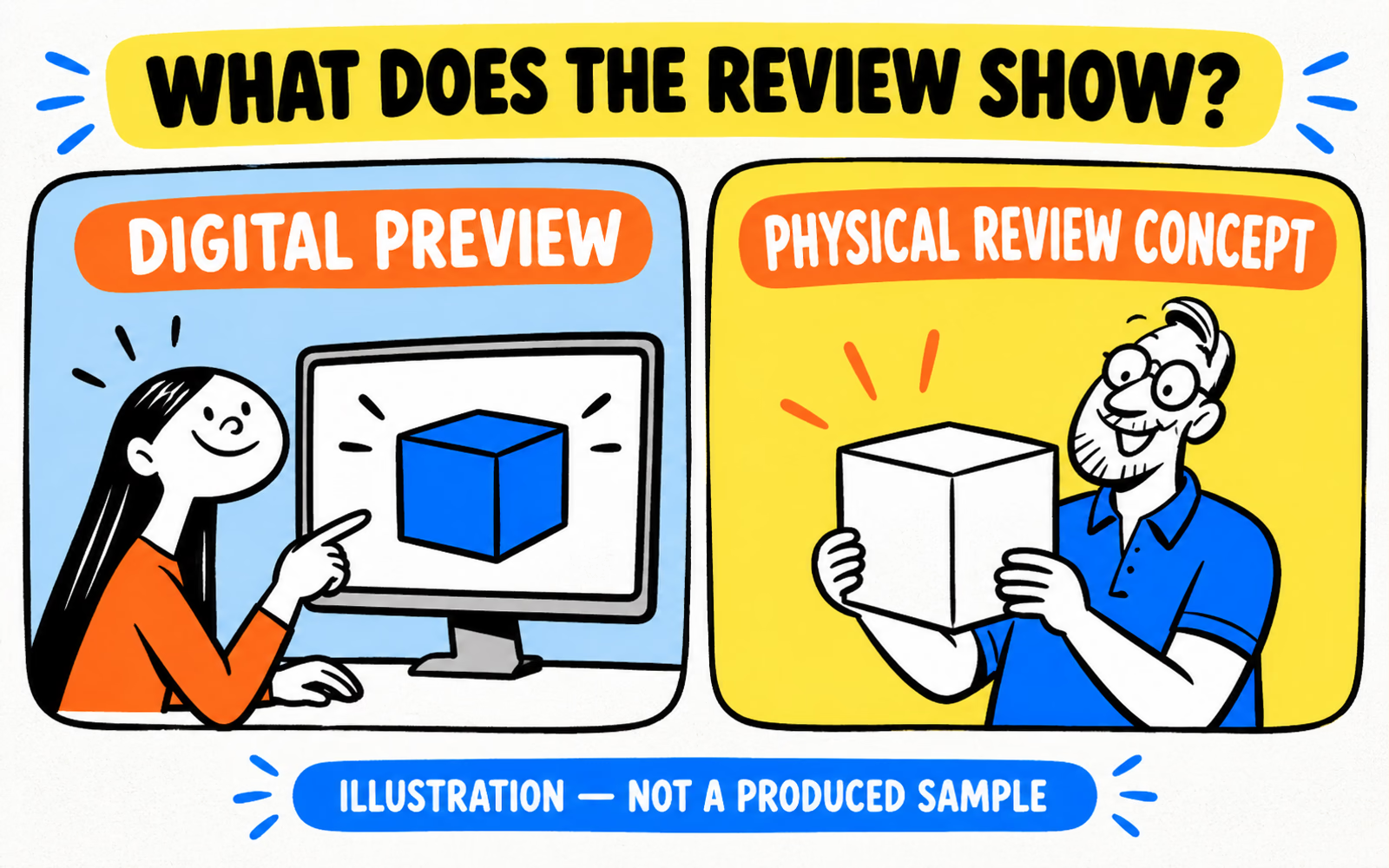
Preview, sample & evidenceMatch each approval to the evidence available. A screen preview, a physical sample, and a functional test answer different packaging questions.
Read the guide ↗
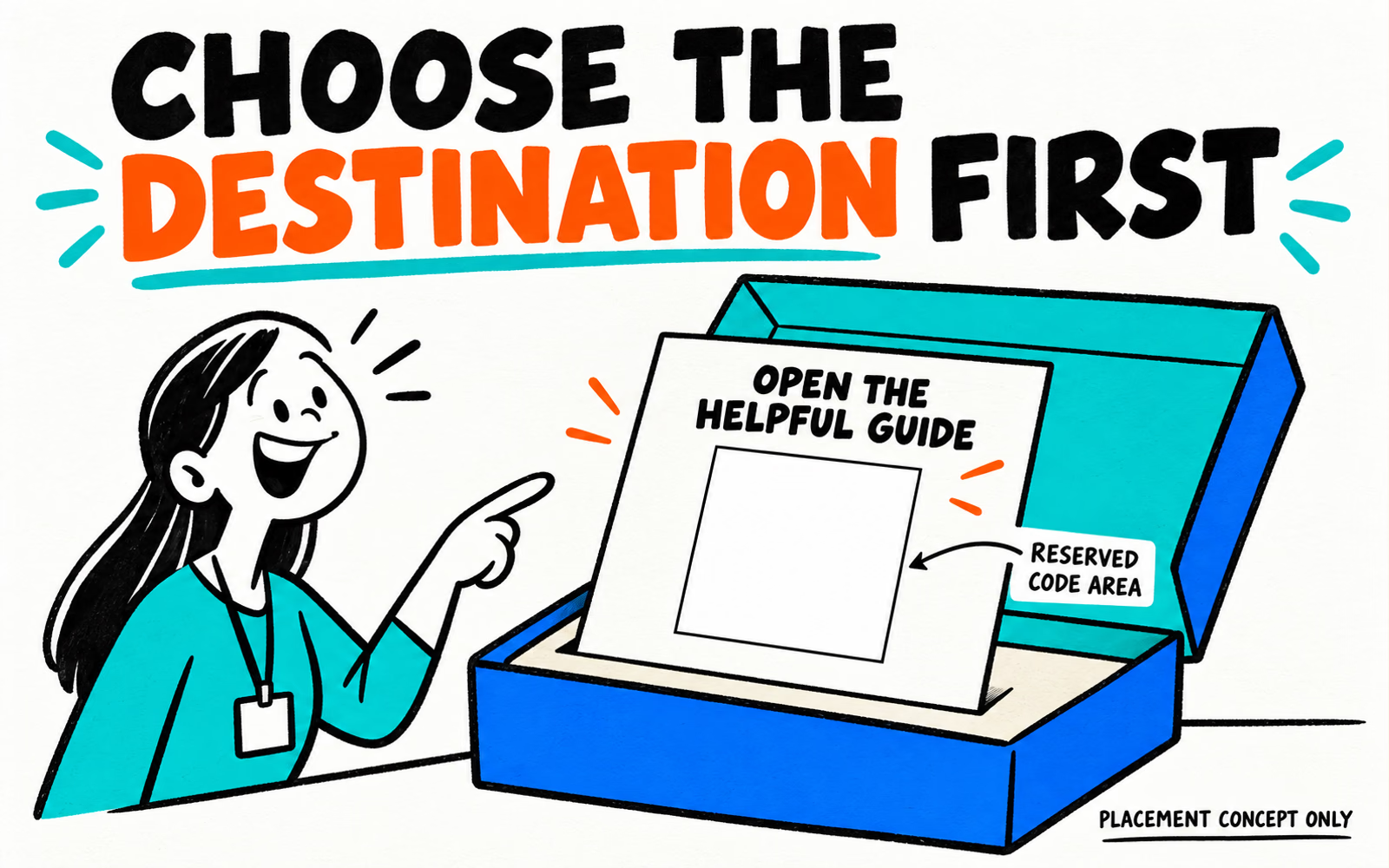
Useful destinations & code verificationGive the code a useful destination and a readable fallback, then review the real generated symbol on the actual finished package. Keep the link and print record current.
Read the guide ↗
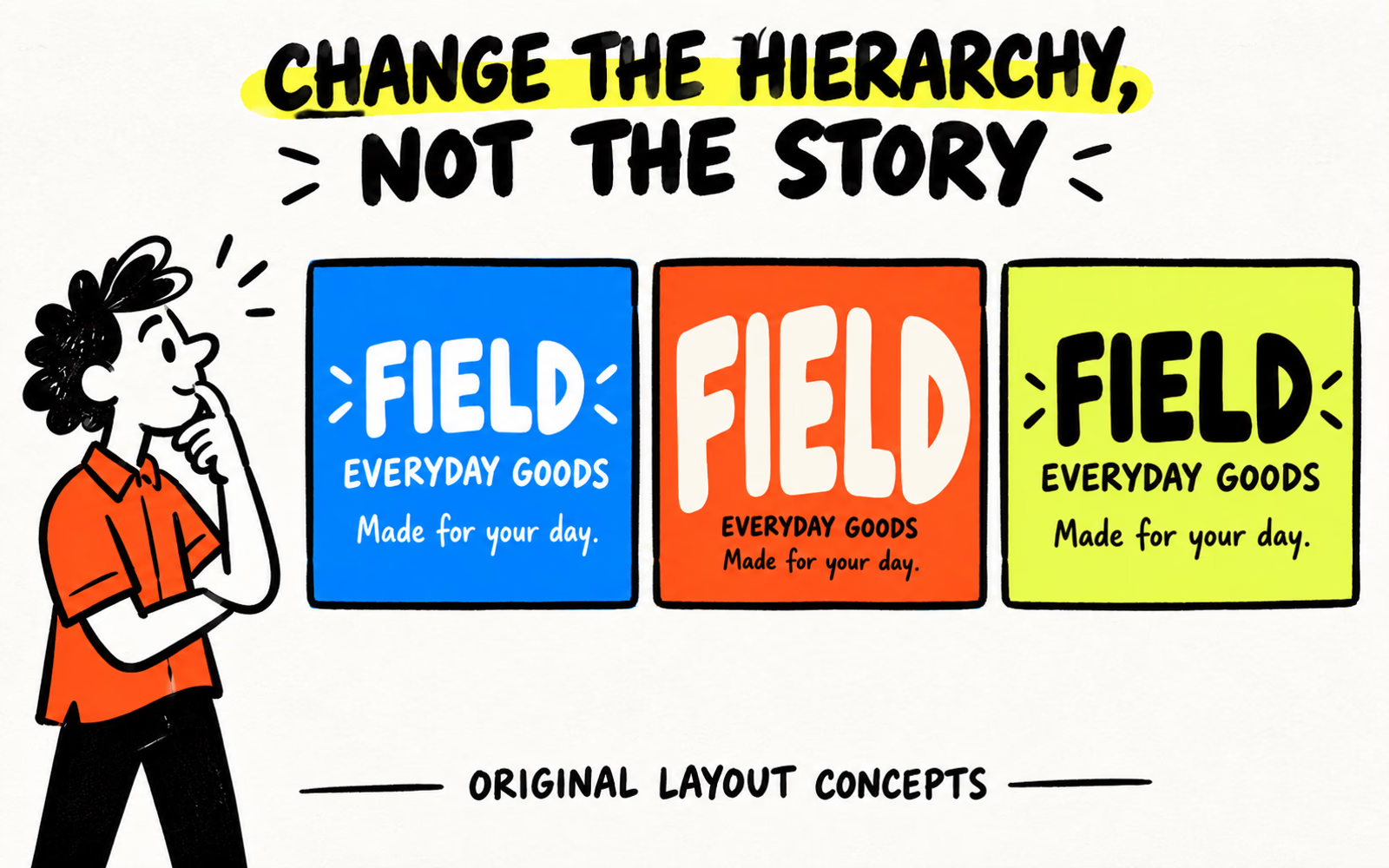
Information hierarchy & reading reviewChoose a clear information hierarchy and review the proposed text at finished size. Record reading context, contrast, print detail, and any separate mandatory requirements.
Read the guide ↗
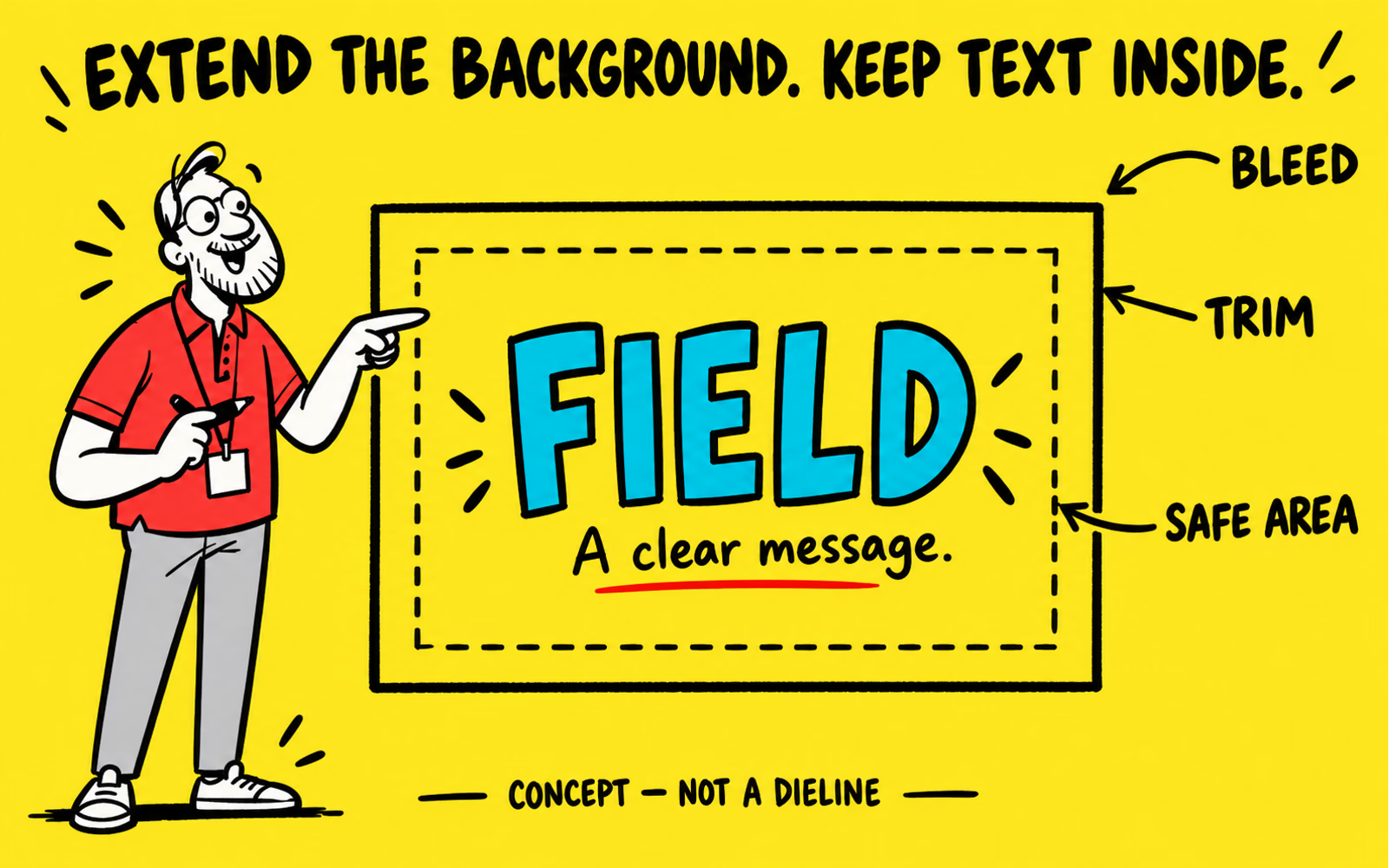
Trim, bleed & content placementExtend backgrounds where the approved layout requires bleed and keep essential content within its safe areas. Review cuts, folds, seams, and joining zones separately.
Read the guide ↗
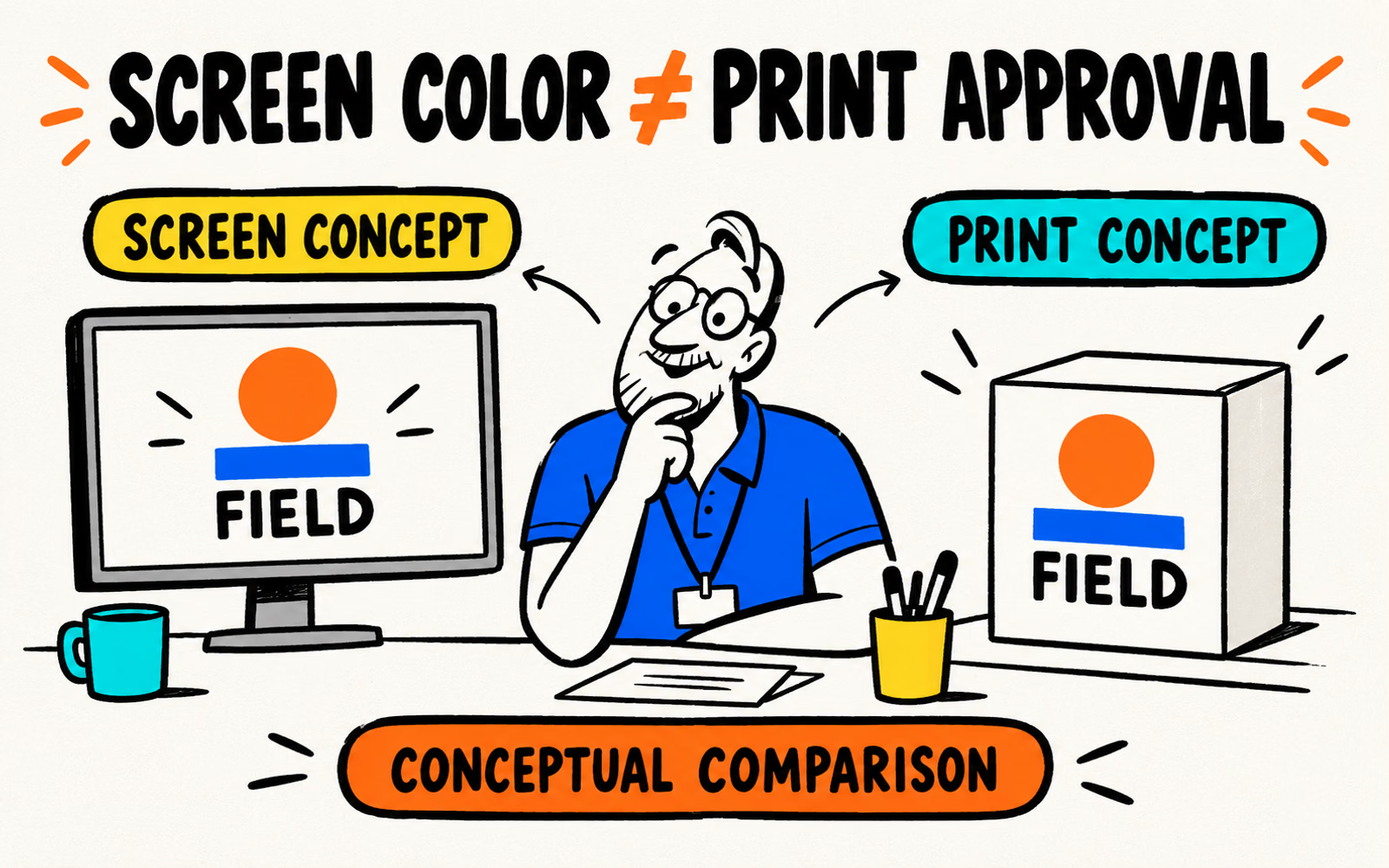
Screen color & production workflowSeparate screen appearance from the agreed print process. Confirm the material, color setup, proof scope, and approved artwork version before production.
Read the guide ↗
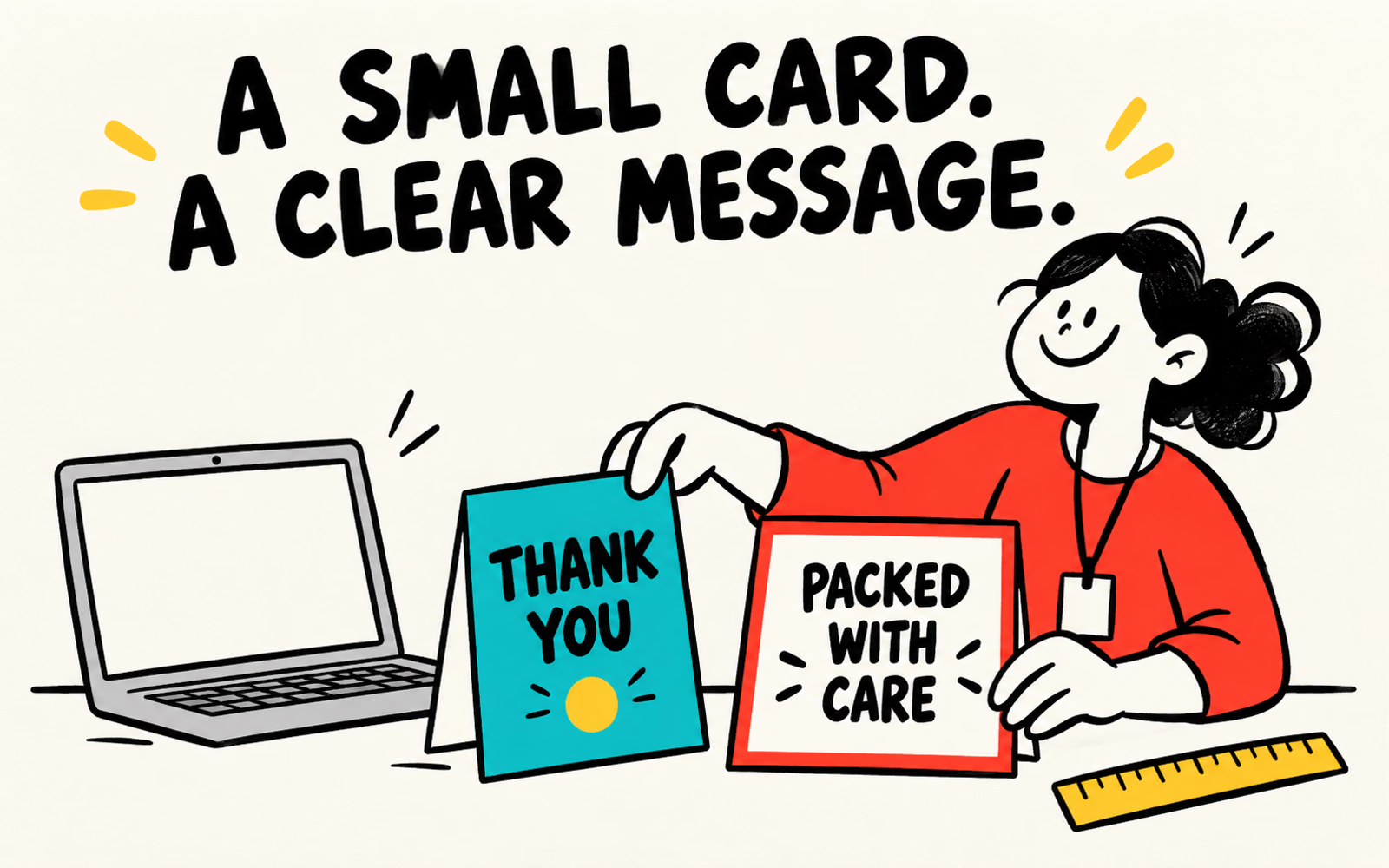
Card hierarchy & finished-size reviewBuild a readable thank-you card with original copy, confirmed dimensions, and a clear print brief. Check the export and read the finished-size layout before approval.
Read the guide ↗

Approved templates & artwork reviewUse Canva for graphic preparation within an approved packaging brief. Keep structural geometry separate, check available export settings, and submit files for production review.
Read the guide ↗
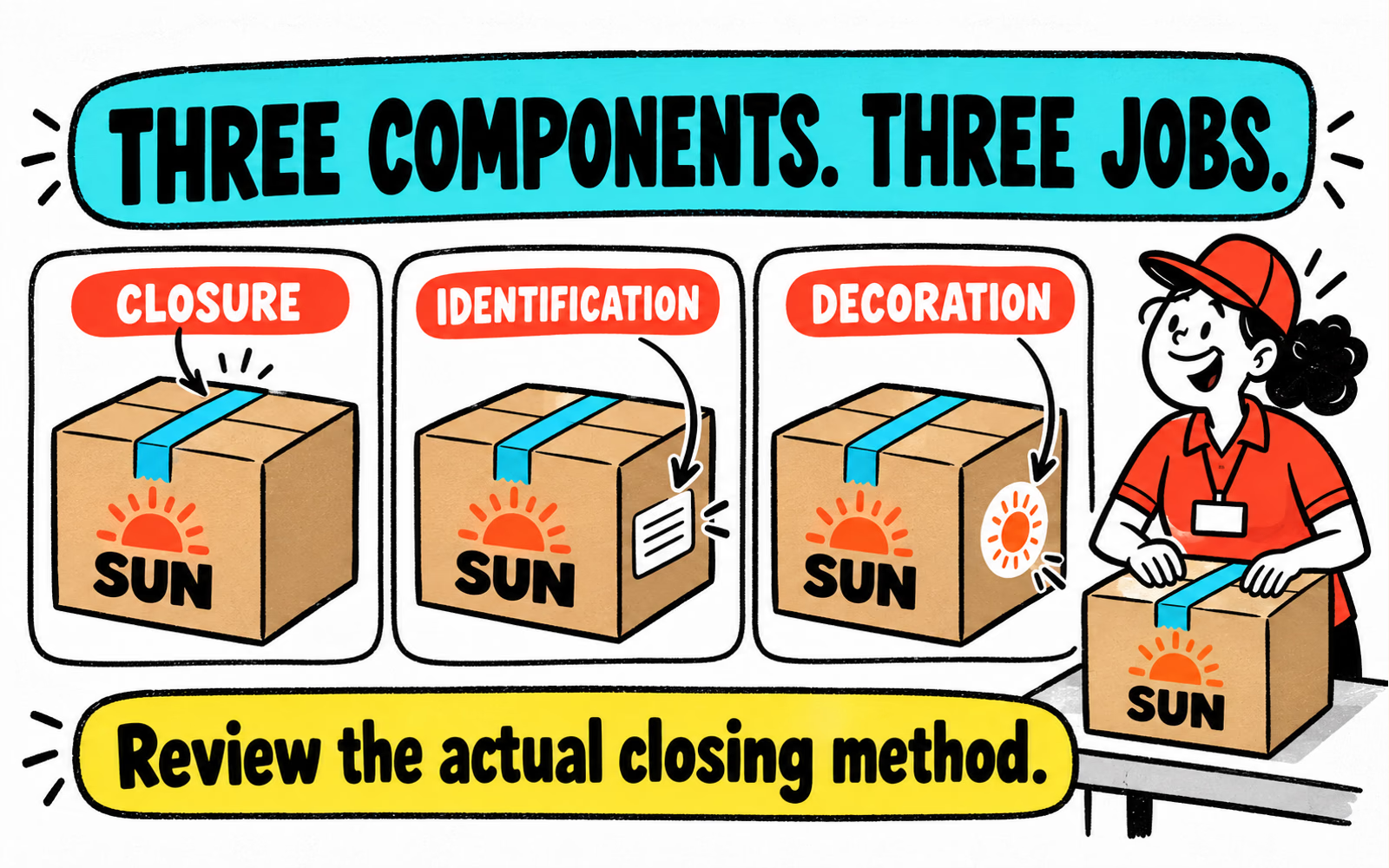
Closure, identification & decorationGive tape, identity labels, and decorative stickers distinct jobs. Review the actual box surface, closing method, application conditions, and artwork before ordering.
Read the guide ↗
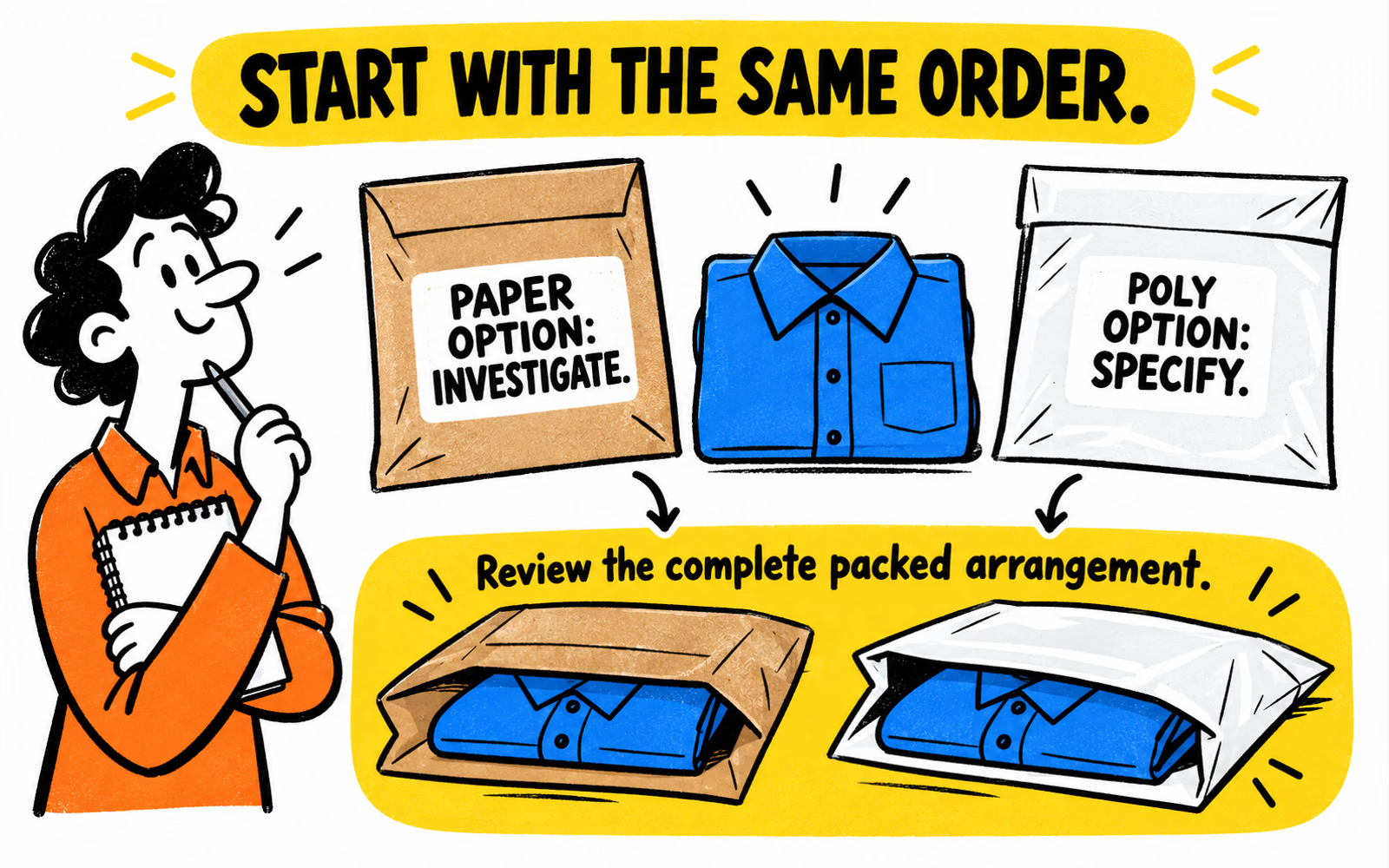
Mailer specifications & evidenceUse the same folded order to compare the proposed material, seams, closure, and handling conditions. Document claims separately and confirm which formats are available.
Read the guide ↗